DISCOVER
MOVIE NIGHTS
A world of stories
Discover a world of entertainment. Explore live television, movies, series, sports and more, with helpful information for your favorite compatible devices.
From the excitement of live events to stories worth staying in for—explore entertainment your way.
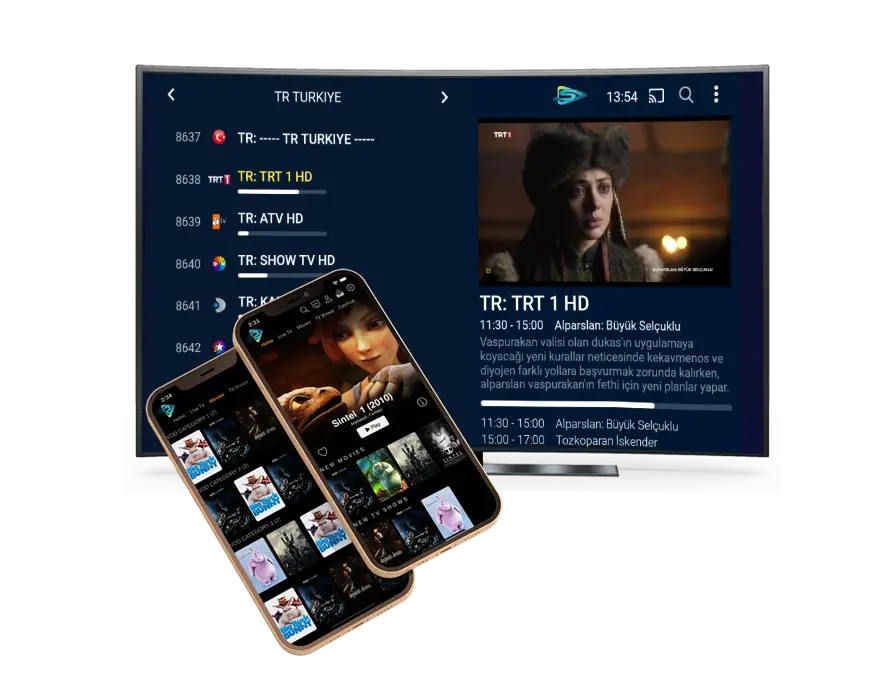
Explore categories of movies, series and sports. Visuals on this page are illustrative, not a listing of licensed programming.


At home or on the go, explore NIKON IPTV setup resources for compatible devices. Confirm specific app and device support before subscribing.
Everything you need to discover, compare and get started.
Explore setup information for supported TVs, mobiles and other devices.
An easy-to-explore website designed to help you find useful details.
Learn about the entertainment categories offered by the service.
Compare important details before choosing any package.
Step-by-step resources to help you get started on compatible devices.
Find answers to common questions or contact the team for assistance.
Discover Nikon IPTV setup information for your preferred screen. Check specific app and model support before buying.
Learn about setup options for supported Smart TV models.
Explore setup →Explore preparation tips for compatible Fire TV devices.
Explore setup →Find guides for Android phones and tablets.
Explore setup →Review compatibility steps for iOS and iPadOS.
Explore setup →Ask about supported desktop and laptop players.
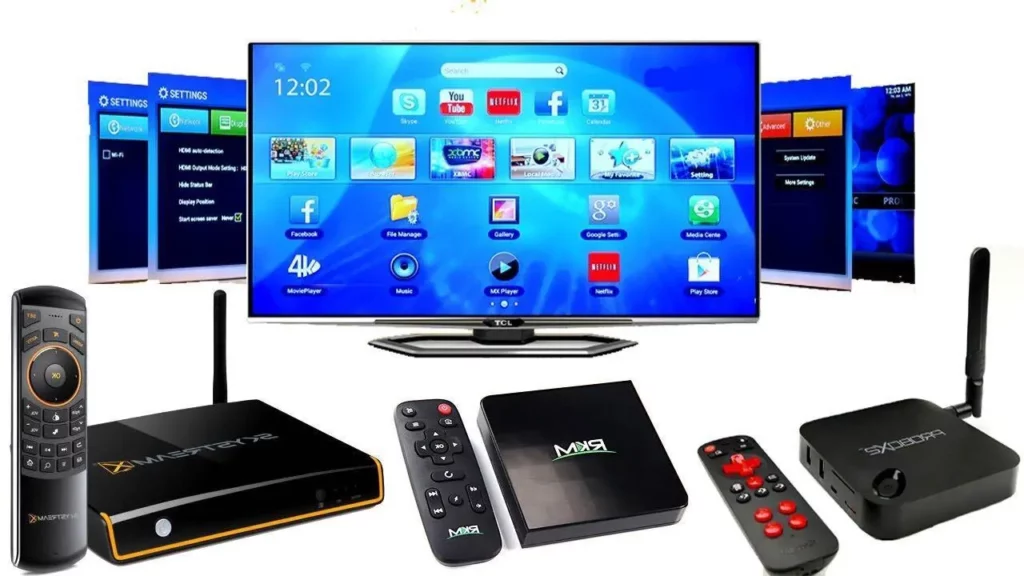
Explore setup →Check player and hardware requirements for TV boxes.
Explore setup →Explore entertainment options with Nikon IPTV, from live television categories to movies, series and sports information. Specific channels and titles depend on the programming included in a verified subscription.
When choosing a streaming plan, consider the channels you care about, device compatibility, simultaneous connections and playback features. Comparing these practical details can help you select the right package for your household.
Our website brings together helpful plan information and setup guides so you can make an informed decision. Ask the team about current content availability and any device or geographic restrictions before placing an order.
Explore the kinds of entertainment you enjoy. Categories shown here are illustrative and do not guarantee any particular channel, program or title.

Browse live television information.
→
Discover movie genres and entertainment options.
→
Explore series and programs available by package.
→
Check sports viewing options and schedules.
→
Find entertainment for shared viewing moments.
→
Ask about available factual and news programming.
→Nikon IPTV brings plan information, compatibility advice and setup resources into one convenient website. Confirm all service capabilities before purchase.
Ask which HD, Full HD or 4K options your chosen package and device actually support.
Follow clear device-specific preparation and configuration guidance.
Compare connection counts and total costs for different subscription durations.
Find practical guidance for TVs, streaming boxes, phones and computers.
Access FAQs, troubleshooting information and the contact form.
Explore available television, film, series and family programming options.
We believe authentic feedback deserves to be presented accurately. Only approved, verified customer reviews appear below.
We will share customer feedback here when genuine reviews have been submitted, verified and approved for publication. We do not use fabricated ratings or endorsements.
Have feedback to share? Get in touch →Four clear steps, from choosing connections to preparing your compatible screen.
Compare duration and connection choices, then verify availability.
Review the exact total in your order summary and contact the team.
Follow the official instructions for your compatible player.
Once access is activated, explore the content included in your plan.
Select your connections and subscription length. Prices shown are total costs for the full term.
1 Month subscription · full term
Ask about refund and cancellation terms
3 Month subscription · full term
Ask about refund and cancellation terms
6 Month subscription · full term
Ask about refund and cancellation terms
12 Month subscription · full term
Ask about refund and cancellation terms
Pricing supplied for this design. Please confirm availability, advertised features and final terms with NIKON IPTV before purchasing. No payment is collected here.
Nikon IPTV is a streaming-service brand with information about television entertainment, subscription options and viewing on compatible devices. This website helps visitors learn what to check before choosing access to live television, movies, series and sports. Entertainment catalogs change, so specific channels, programs, rights and geographical availability should always be confirmed with support. Instead of assuming that every title is included, begin with the content categories that matter most to you and request an up-to-date listing where available.
A subscription decision should be based on viewing needs and transparent plan details. Nikon IPTV's interactive pricing selector lets you compare different durations and connection counts in one place. Select the number of connections, review the total for the full subscription period and read the Nikon IPTV pricing information. Check the final service terms, supported playback quality, customer assistance and any restrictions before committing. Prices shown on the website should be confirmed as currently available offers.
Most streaming services require a stable internet connection, a suitable application and account details provided when access is activated. After confirming a package, users typically install an approved player on a compatible device and follow service-specific instructions. The correct steps depend on the device and application, so use the IPTV setup guide as a starting point and contact the team when additional activation information is needed. No payment is processed by this website's current order-summary interface.
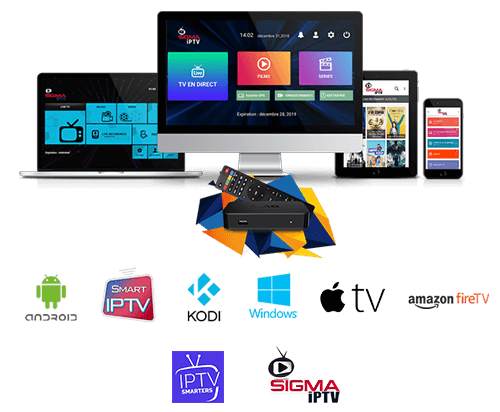
People watch on many different screens, from living-room televisions to tablets and phones. Supported apps and streaming methods can differ between Smart TV brands, Fire TV models, Android devices, Apple devices and personal computers. Before subscribing, check the operating system, software version and the officially supported player for each device you plan to use. Start with our device compatibility guide, then follow the matching setup article or request device-specific help.
Think about how many people may watch at once, how long you intend to subscribe and which devices will be used. A one-connection plan may suit an individual viewer, while households might want to compare larger connection allowances—subject to real service availability. Longer plans may have different total prices, so compare complete costs rather than treating every amount as a monthly charge. Finally, check the refund policy, internet requirements and frequently asked questions. A plan works best when its features match your actual viewing habits.
Learn about NIKON IPTV and explore available entertainment options for compatible devices.
Get in TouchFind answers to the most common questions about NIKON IPTV and getting started.
View all FAQsNIKON IPTV is a streaming-service brand. This website provides information about its entertainment options, plans and device compatibility. Confirm specific access and availability with the team before buying.
Choose an available plan and follow the installation instructions for a compatible device. Actual channel access and setup details depend on your confirmed subscription.
Compatibility depends on the streaming application and device. Visit our Devices and Setup Guide pages or contact support for a device-specific answer.
Explore the available categories, request accurate plan information and follow the setup instructions provided after a confirmed subscription.
The example pricing cards shown in this preview are placeholders, not live offers. Contact the team for confirmed packages, availability and total prices.
Subscription changes depend on the applicable plan and service terms. Please contact the team for confirmation.
Trial availability has not been confirmed. Ask the team whether a trial is offered.
Visit our Contact page and send your question, including your device type and any helpful details.
Streaming needs vary by resolution and device. Test a stable connection and ask support about the quality offered by your selected plan.
First check your connection, restart the app or device and ensure the application is updated. Then contact support with a description of the issue.
Review the connection and duration options on the Pricing page. Check the total displayed in the order summary, then request the plan. Online payment is not enabled yet.
Smart TV compatibility must be confirmed for your specific brand, model and available app. See the Smart TV setup guide and ask support before subscribing.
Fire TV compatibility depends on the supported player and device model. See the Fire TV guide for preparation tips.
Check the Android setup guide, use trusted apps and request service-specific steps from support. Do not install unknown applications.
An uninterrupted broadband connection helps. Actual bandwidth requirements depend on resolution, player and device, so check the confirmed service specifications.
Pricing depends on the number of connections and subscription duration. The price table shows total costs for the chosen term, not monthly charges.
Start with the number of simultaneous connections you need, the intended devices and your preferred subscription duration. Compare the full-term price before ordering.
The website price selector offers one through five connections. Confirm which combinations are currently available before ordering.
No payment gateway is connected to this website currently. Contact the team for confirmed accepted payment methods.
Visit the Setup Guide and individual pages for Smart TV, Fire TV, Android and Apple device preparation.
Explore devices, compare options and ask about the plan that works for you.