Enjoy With NikonIPTV Service
Your favorite entertainment starts here.
Explore live TV, movies, series and sports with NikonIPTV. Choose a subscription for 1–5 screens and find step-by-step setup guides for your TV, phone, tablet or computer.
✓ Live entertainment ✓ Movies & series ✓ Flexible screens
Plan details and channel availability should be confirmed before ordering.
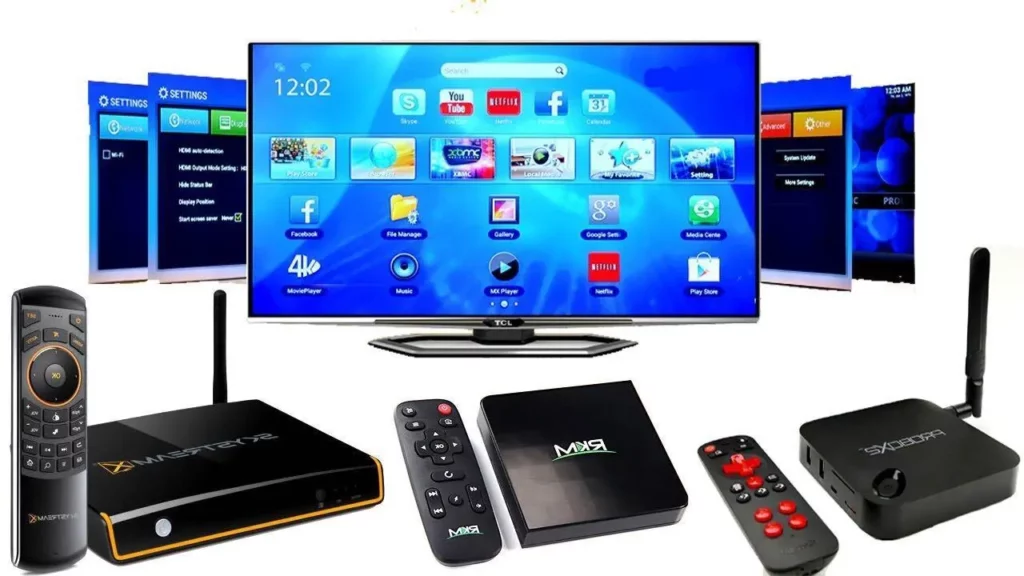
Streaming requirements
Compatible devices
Choose a Smart TV, streaming player, mobile device or computer that supports your authorized IPTV app.
Reliable internet connection
A stable connection makes streaming and navigation easier. Bandwidth needs depend on the selected stream quality.
Active, authorized subscription
Confirm account activation, supported apps and available content with the service before accessing streams.
Works on many devices
Find a suitable player for your TV, mobile phone, tablet or computer.
Simple, transparent & flexible pricing
Original NIKON IPTV prices, shown for one screen and the full selected term. Choose 1–5 screens in the plan selector.
$12
Full term · Starting price for one screen
- 1–5 screen options
- Device setup information
- Help with plan selection
$25
Full term · Starting price for one screen
- 1–5 screen options
- Device setup information
- Help with plan selection
$42
Full term · Starting price for one screen
- 1–5 screen options
- Device setup information
- Help with plan selection
$75
Full term · Starting price for one screen
- 1–5 screen options
- Device setup information
- Help with plan selection
Prices are USD and apply to the selected term, not per month. Online checkout has not yet been reconnected.
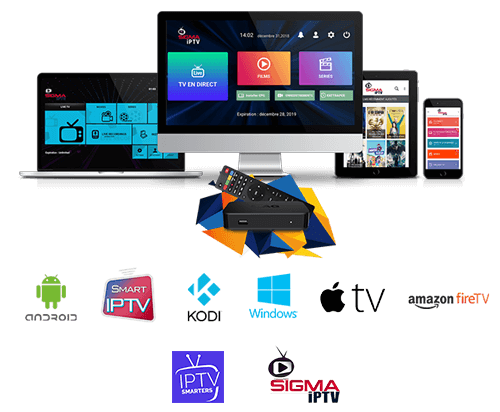
Enjoy entertainment on your favorite screen
Explore ways to use NIKON IPTV with a compatible Smart TV, Android TV device, Fire TV Stick, mobile device or computer. Your chosen app and device software determine supported playback features.
- Device guides for popular platforms
- Step-by-step setup instructions
- Choose the right screen count
- Helpful compatibility and safety tips
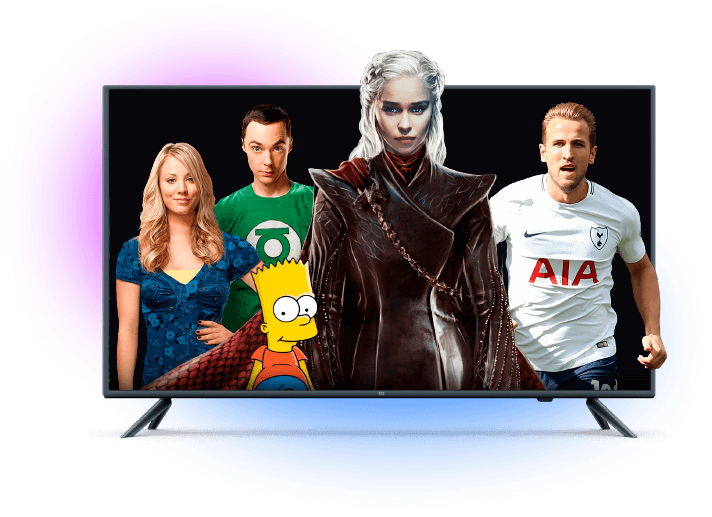
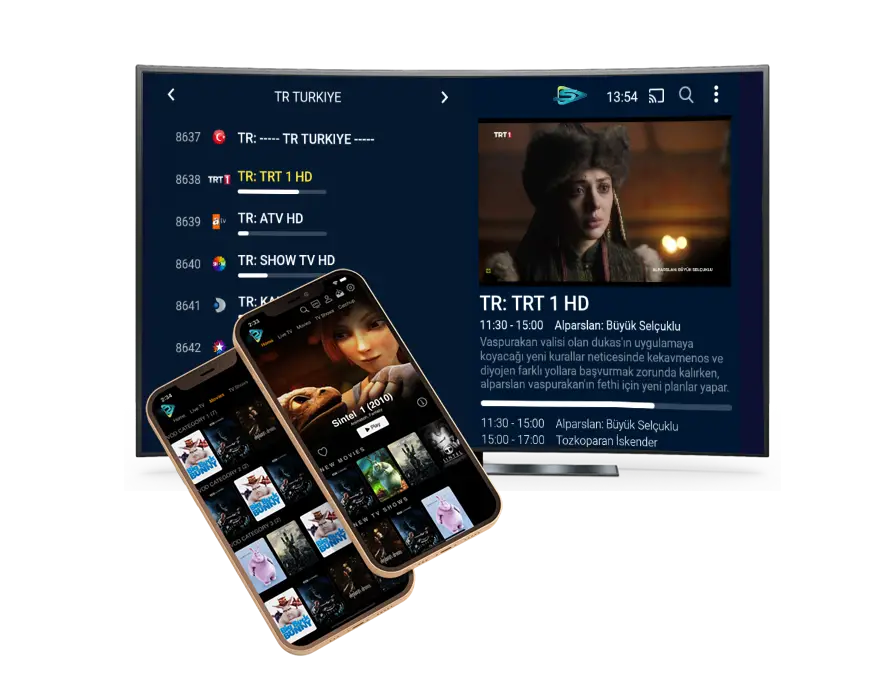
Explore your favorite TV categories
Interested in entertainment, news, movies, sports or family programming? Explore information about content categories, then ask about the channels currently supported by your subscription.
- Live TV and entertainment information
- Movies, series and sports categories
- Regional programming interests
- Clear links to plans and guides
Setup guidance & practical support
Getting started
Choose the right plan and find the setup guide for your device.
Customer assistance
Use our contact page for subscription and device questions.
Easy-to-compare plans, clear information
Understand pricing, simultaneous connections and device setup before deciding on a streaming option.
Flexible subscription terms
Compare one, three, six and twelve-month choices.
Device setup guides
Instructions for Smart TVs, Fire TV, Android and Apple devices.
Responsible account guidance
Tips for protecting credentials and checking payment status.
Regional entertainment categories
Ask the service operator about current channel availability in these regions. Listings below are categories of interest, not a guarantee of access.
United States
United Kingdom
Europe
Canada
Latin America
Africa
Arabic-language
Asia
Your next steps with NIKON IPTV
Compare your subscription, check your device and follow the setup instructions when your account is ready.
Choose your subscription
Compare 1, 3, 6 and 12-month terms and select the number of simultaneous screens you need.
Check your device before ordering
Find the guide for your Smart TV, Fire TV Stick, Android or Apple device and confirm which app your account supports.
Set up your account and get help
After activation is confirmed, follow your device guide. For login or playback problems, start with the troubleshooting checklist.
Frequently asked questions
NIKON IPTV is a website for comparing IPTV subscription options, supported device categories and setup information. Confirm available content before ordering.
The plan selector offers one through five simultaneous connections, with a separate full-term price for each choice.
Options depend on the app and account format. Start with the Smart TV, Android, Fire TV and Apple setup guides for compatibility details.
Choose a duration and number of screens, review your total and contact support for the verified ordering process. Online payments are not yet enabled on this restored installation.
Visit the Setup Guides, Troubleshooting or Contact pages for practical guidance. Never share your passwords or payment details publicly.
Find the NIKON IPTV plan that fits you
Compare durations, screen counts and full-term prices.